
Automatically Track Your Crew's Hours
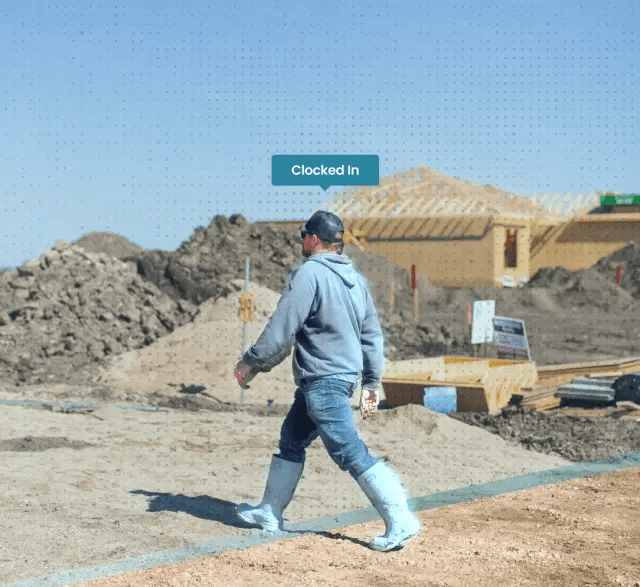
The only app that clocks you in at every project without ever pulling out your phone.
Get Started For Free






Never Miss a Minute of Labor Again.
Automatic time tracking built for construction crews—so payroll is accurate, jobs stay on budget, and you spend zero time chasing timesheets.
- Your crew is clocked in the moment they arrive on site—no apps to open, no buttons to press.
- Every hour is tracked in real time and organized by employee, crew, and project—giving you total visibility without the manual work.
- Run payroll in minutes with automated timesheets and clean exports to QuickBooks, Xero, Payworks, XLSX, or PDF.
- Know exactly who's on site, when they showed up, and how long they worked—without calling or texting for updates.
See Why Crews Love This App
Ridiculously easy time-tracking built for construction teams.
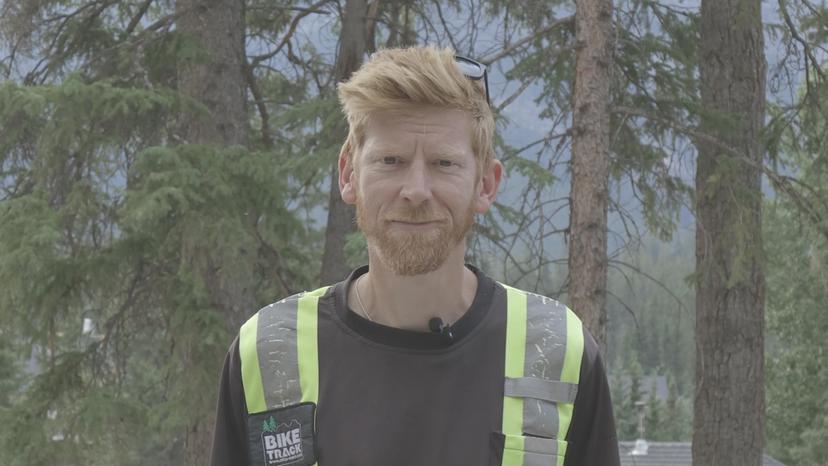
“We're a small company so any time we can save is important. ConstructionClock helps us be more efficient on site and in the office, helps save money, and makes us a better company. It just works.”
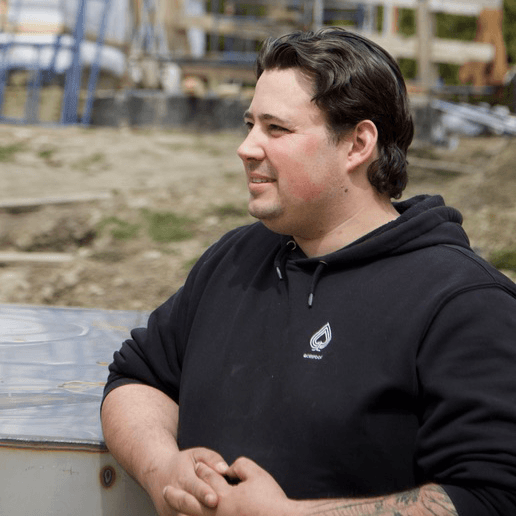
“ConstructionClock above all else has given me my weekends back with my kids and that is priceless. Before Saturday was my office day. About a year and a half ago, I was able to make the transition where Saturday — I'm at home, I'm with my kids, I'm present.”
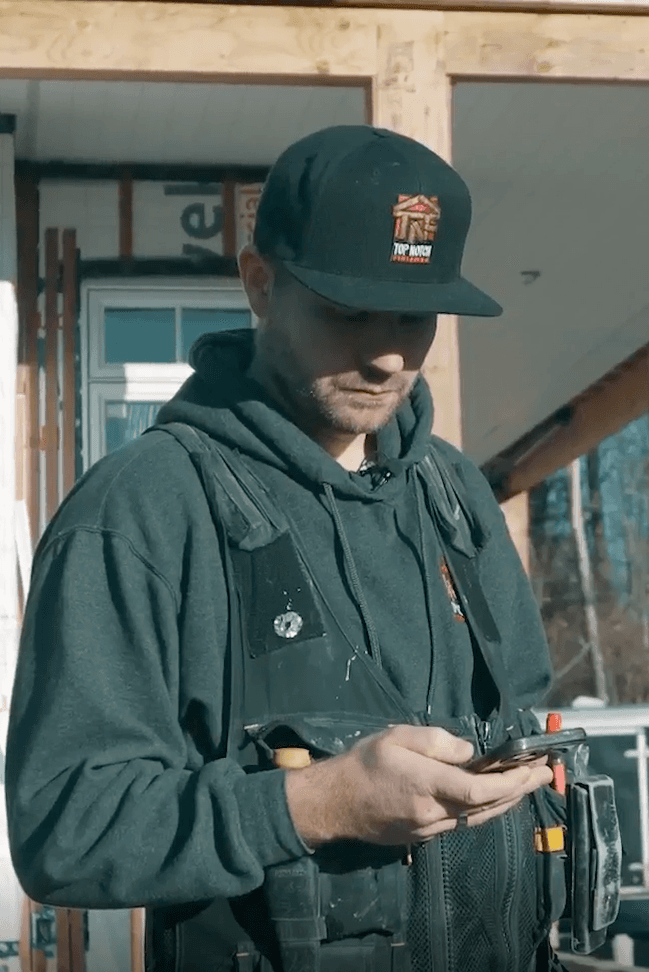
“I've been using it for a month and I absolutely love it. This app's perfect for one person, it's perfect if you have 100 people. Tons of little functions that I absolutely love.”
Stop losing money on manual timesheets.
No credit card required.
See It In Action
Watch how ConstructionClock automates your time tracking and payroll in 3 minutes.
Integrate with tools you already know and love.


Frequently Asked Questions
How is ConstructionClock different?
ConstructionClock is the only fully automated, hands-free time-tracking app built specifically for the construction industry. We made it our mission to fix the pain points and frustrations we experienced using other apps in the field while making ConstructionClock the most straightforward and easy-to-use app in the industry.
What are the different ways to track time in ConstructionClock?
We offer four clock-in methods:
SuperClock: Ideal for companies visiting multiple unplanned jobsites in a day. SuperClock eliminates project setup. When crews stay on a job site, projects are created automatically and time is tracked—only during working hours.
AutoClock: The app automatically clocks users in and out when they enter or leave a project zone. Location is only captured at the time of clock-in and out.
Manual with GPS: Users manually clock in and out. The app verifies location at those times only.
Manual without GPS: Users manually clock in and out, and no location is tracked at all. You can also enable reminders based on the work schedule.
How does ConstructionClock track location?
How we capture a user's location depends on their clock-in method:
SuperClock: Captures location only during their individual working schedule and solely for time-tracking purposes to detect when the user stops at a job site.
AutoClock: Captures location only at clock-in and clock-out, strictly for time-tracking purposes. We do not store any location data when the user is not on a job site.
Manual with GPS: Location is verified only at clock-in and clock-out to determine whether the user is onsite or offsite.
Can I track time without internet?
Yes. ConstructionClock works offline, so it can clock users in and out automatically even without a connection. The data will sync automatically once the device reconnects to the internet.
Which apps does ConstructionClock integrate with?
Currently ConstructionClock integrates seamlessly with Payworks to improve payroll efficiency, QuickBooks to simplify payroll management, Xero to automatically sync approved timesheets, and CompanyCam to sync projects across platforms.
You can also export your timesheet data in PDF or XLSX format and upload it to most platforms.
What is the pricing?
ConstructionClock offers simple pricing with no setup fees or surprises. Every plan includes all time tracking, GPS, reports, and more. You can try it free for 7 days before you commit. There are no contracts and no commitments — you can cancel anytime.
Join 150,000+ job sites using automatic time tracking.
No credit card required.